Ever wondered why your favorite Roblox game suddenly becomes unavailable? As a dedicated gamer who balances life and play, few things are as frustrating as logging in for a quick session only to find Roblox refusing to cooperate. This guide dives deep into common reasons why Roblox might not be available, from server outages and network glitches to specific device issues and account restrictions. We provide clear, actionable troubleshooting steps designed for busy US gamers, helping you diagnose and resolve problems quickly. Whether you are on PC or mobile, facing error codes, or suspecting internet problems, this comprehensive resource offers practical solutions to get you back into the Roblox metaverse without wasting precious gaming time. Discover how to check server status, optimize your connection, and understand potential blocks so you can minimize downtime and maximize your fun.
Related games- How to Tighten Your Gaming Chair The Ultimate Guide
- How To Access Properties Window in Roblox Studio
- How To Redeem Steam Games A Quick Guide 2026
- Guide to Beret Outfits Roblox YouTube Trends
- Guide: What Intel Core is Best for Your Gaming PC?
Why is Roblox not available on my PC right now?
If Roblox isn't available on your PC, first check the official Roblox Status page for widespread outages. If servers are green, the issue is likely local: try restarting your computer, ensuring your internet connection is stable, clearing Roblox's temporary files, or even reinstalling the client. Outdated graphics drivers or aggressive firewall settings can also prevent it from launching, so check those too.
Is Roblox down globally or is it just my internet connection causing the 'not available' message?
To determine if Roblox is down globally or if it's your connection, immediately check the official Roblox Status page and third-party sites like Downdetector.com. If these show widespread issues, it's global. If not, power cycle your router and modem, ensure no other devices are hogging bandwidth, and test your internet with other applications to confirm it's stable and working.
How can I fix Roblox not loading on my mobile device?
For Roblox not loading on mobile, start by restarting your phone or tablet. Then, verify you have a strong Wi-Fi or mobile data connection. Clearing the Roblox app's cache and data (via device settings) is a crucial step, followed by ensuring the app is updated to its latest version from your app store. Freeing up device storage can also help.
What are the common error codes I might see when Roblox is unavailable, and how do I solve them?
Common Roblox error codes include 277 (connection lost), 524 (not authorized to join), and 403 (forbidden access). Error 277 often means network trouble; check your internet. Error 524 suggests a problem with game access or VIP server permissions. Error 403 can indicate network restrictions (like at school or work). For most, troubleshooting your internet and checking specific game access is key.
Could parental controls or regional blocks be why Roblox is showing as unavailable for me?
Yes, parental controls or regional blocks can definitely make Roblox seem unavailable. Parents often set time limits or content filters on devices or within Roblox itself. Additionally, some networks (like school or work Wi-Fi) block gaming sites. Regional restrictions are less common for the main Roblox platform but can affect specific games. Consult your account settings or network administrator.
My Roblox game keeps crashing; is this related to it being 'not available'?
Frequent game crashes, while not the same as Roblox being completely unavailable, often stem from similar underlying issues. These include an unstable internet connection, insufficient RAM or CPU resources on your device, outdated graphics drivers, or corrupted game files. Addressing these performance bottlenecks, much like fixing unavailability, involves system checks and optimizations.
What are some reliable alternatives if Roblox is consistently unavailable or down?
If Roblox is consistently unavailable, reliable alternatives include other social sandbox games like Minecraft, or creative platforms such as Fortnite Creative or Rec Room, which offer similar user-generated content and social experiences. Core is another strong option for diverse user-created games. These provide varied gameplay for when your primary platform isn't cooperating.
Hey fellow gamers! We've all been there. You finally carve out some precious time between work, family, and life's endless demands, ready to unwind in your favorite Roblox experience, only to be met with a frustrating message: "Roblox is not available." It's a buzzkill, right? For the average US gamer, who often clocks 10+ hours a week and values that gaming time for relaxation, social connection, or skill-building, unexpected downtime is a major pain point. You're not alone in wondering, why is Roblox not available? This isn't just a technical glitch; it's an interruption to your much-needed escape and social hub.
This comprehensive guide is designed for you: the dedicated gamer who needs practical, no-nonsense solutions. We'll cut through the confusion, offering clear steps to diagnose and fix the most common reasons why Roblox might be unavailable. From widespread server outages affecting millions of players, which, according to recent US gaming stats, impact a significant portion of the 87% of gamers who play regularly, to local issues on your device or network, we'll cover it all. Our goal is to empower you with the knowledge to troubleshoot like a pro, minimize your downtime, and get back to building, exploring, and connecting with friends in the vast Roblox metaverse. Let's dive in and tackle these issues head-on, so your next gaming session is smooth and uninterrupted.
Why is Roblox Not Available Right Now? Common Causes Explained
When Roblox isn't available, it usually boils down to a few core reasons: server outages, your internet connection, device-specific issues, or sometimes, account restrictions. The most common culprit for widespread unavailability is often a server-side problem on Roblox's end. These can range from routine maintenance to unexpected technical difficulties, often impacting millions of players across PC, mobile, and console platforms, especially given the platform's massive global user base and its strong presence among mobile gamers in the US this month. Other times, the issue might be closer to home, stemming from your personal setup.
Is Roblox Down for Everyone or Just Me? How to Check Server Status
Before you start pulling your hair out or rebooting your entire network, the first step is to determine if the problem is localized to you or if Roblox is experiencing a larger outage. Checking the global server status is quick and can save you a lot of unnecessary troubleshooting. This is a critical first move for busy gamers who need efficient solutions.
Official Roblox Status Page: Always your first stop. Roblox maintains an official status page that provides real-time updates on server health, planned maintenance, and ongoing incidents. Look for a link like status.roblox.com or search for "Roblox server status."
Third-Party Downdetector Sites: Websites like Downdetector.com aggregate user reports and can give you an immediate snapshot of whether others are experiencing similar problems. A sudden spike in reports is a strong indicator of a widespread issue.
Social Media: Check platforms like X (formerly Twitter). Roblox often posts updates on their official accounts during major outages. The community is also very active, and you'll quickly see if other players are tweeting about the same problem.
Community Forums: Reddit and other gaming forums are excellent places to see if widespread issues are being discussed. Gamers are quick to share when a popular service like Roblox is experiencing trouble.
If these resources confirm a global outage, there's little you can do but wait. Use the time to tackle a chore, catch up on a show, or explore other gaming options for a bit.
How Do I Fix Roblox Not Launching on My PC?
If server status checks indicate Roblox is online, but you're still asking "why is Roblox not available" on your PC, the problem likely lies with your computer or the Roblox client. PC gamers, especially those balancing work and play, value stability and quick fixes.
Restart Your Computer: The classic IT solution for a reason. A simple restart can resolve temporary glitches and clear up system resources.
Check Your Internet Connection: Ensure your Wi-Fi or Ethernet connection is stable. Try opening other websites or applications to confirm connectivity.
Clear Roblox Cache and Temporary Files: Corrupted cache files can prevent Roblox from launching. To do this, navigate to your AppData folder (type %localappdata% in Windows Search), find the Roblox folder, and delete the "Versions" folder. Roblox will re-download necessary files upon next launch.
Reinstall Roblox: If clearing cache doesn't work, a clean reinstall is often the best solution. Uninstall Roblox completely from your Control Panel, then download the latest installer from the official Roblox website.
Update Graphics Drivers: Outdated drivers can cause compatibility issues. Visit your graphics card manufacturer's website (NVIDIA, AMD, Intel) to download and install the latest drivers.
Disable Antivirus/Firewall Temporarily: Your security software might be blocking Roblox. Temporarily disable it and try launching Roblox. If it works, add Roblox to your security software's exception list.
What Should I Do If Roblox Won't Load on Mobile?
Mobile gaming dominates a significant portion of the US market, with many gamers using their phones for quick Roblox sessions. If Roblox isn't loading on your smartphone or tablet, here are some mobile-specific troubleshooting steps.
Restart Your Device: Just like with PC, a quick reboot can resolve many temporary software conflicts.
Check Your Network Connection: Ensure you have a strong Wi-Fi signal or sufficient mobile data. Try switching between Wi-Fi and mobile data to see if one works better.
Clear App Cache and Data: On Android, go to Settings > Apps > Roblox > Storage, then tap "Clear Cache" and "Clear Data." On iOS, you'll generally need to offload or delete and reinstall the app (Settings > General > iPhone Storage > Roblox > Offload App / Delete App).
Update the Roblox App: Ensure you have the latest version of the Roblox app installed from your device's app store (Google Play Store or Apple App Store). Developers frequently release updates to fix bugs and improve stability.
Free Up Storage Space: If your device is low on storage, it can affect app performance and loading. Delete unnecessary apps, photos, or videos.
Why Am I Getting Error Codes When Playing Roblox?
Error codes can feel like a secret language, but they often point to specific issues when Roblox is not available. Understanding them can expedite your return to play.
Error Code 277 (Connection Lost): This usually indicates a problem with your internet connection, or an issue between your device and the Roblox servers. Check your network, firewall, or try a different connection.
Error Code 524 (Not Authorized): This often relates to a game's VIP server access or a problem with joining specific experiences. Ensure you have the correct permissions or are invited to the VIP server. It can also occur if the game owner has restricted access or if there's an age-related block.
Error Code 403 (Forbidden): Typically related to network restrictions or a proxy blocking Roblox. This might be common in schools or workplaces. Try a VPN if permissible, or contact your network administrator.
Error Code 610 (HTTP Error): This is a general connection error. Similar to 277, it suggests network instability. Reset your router, check your connection, or try again later.
For any specific error code, a quick search on the Roblox Support website or a gaming forum can often provide tailored solutions.
Could My Internet Connection Be Why Roblox Is Unavailable?
A stable internet connection is paramount for online gaming. Your internet is frequently the silent culprit behind Roblox issues, especially if it feels like "why is Roblox not available" is a personal attack.
Power Cycle Your Router/Modem: Unplug your router and modem from the power outlet, wait 30 seconds, then plug them back in. Wait a few minutes for them to fully reboot.
Use a Wired Connection (PC): If possible, connect your PC directly to your router with an Ethernet cable. This eliminates Wi-Fi interference and provides a more stable connection, crucial for performance-focused gamers.
Check Bandwidth Usage: Are others on your network streaming 4K video or downloading large files? High bandwidth usage can starve Roblox of the data it needs. Temporarily pause other activities.
Flush DNS Cache: On Windows, open Command Prompt as administrator and type ipconfig /flushdns then press Enter. This can resolve issues with outdated or corrupted DNS entries.
Try a Different DNS Server: Switching to a public DNS server like Google DNS (8.8.8.8 and 8.8.4.4) or Cloudflare DNS (1.1.1.1) can sometimes improve connection stability and speed.
When Will Roblox Be Back Online After an Outage? Staying Updated
During major outages, the waiting game can be agonizing. Staying informed helps manage expectations and your gaming schedule.
Monitor Official Channels: The official Roblox Status page and their social media accounts are the most reliable sources for updates on estimated resolution times. Don't rely on unofficial rumors.
Set Notifications: Some status pages or third-party monitoring sites offer email or push notifications for when a service's status changes. This is a great way to get back to gaming without constantly checking.
Be Patient: Large-scale outages require complex fixes. Roblox engineers are typically working around the clock to restore services. Patience is key, as rushed fixes can lead to further problems.
Are There Parental Control or Regional Blocks Affecting Roblox?
Sometimes, "why is Roblox not available" isn't a technical issue, but an intentional restriction. This is particularly relevant for families managing screen time or for players traveling.
Parental Controls: Many parents, aiming to balance gaming with family life, use parental controls on routers, devices, or within the Roblox platform itself. Check if time limits, content filters, or spending restrictions are active that might be preventing access. A quick chat with the family tech wizard (or parent) can often solve this.
Regional Restrictions/Geo-blocking: While Roblox is globally available, certain features or specific games might have regional restrictions due to licensing or content regulations. If you're traveling, this could be a factor. A VPN can sometimes bypass geo-blocks, but use with caution and adhere to Roblox's terms of service.
School/Work Network Restrictions: Many institutional networks block gaming sites, including Roblox, to maintain focus or conserve bandwidth. If you're trying to play during a lunch break at work or school, this is a very likely reason for unavailability. Your IT department would be the point of contact here, though typically they won't unblock it.
How Can I Improve Roblox Performance If It's Slow or Buggy?
Even when Roblox is available, poor performance can make it feel unplayable. Optimizing your experience is about making the most of your setup, especially for gamers who upgrade hardware on a budget.
Adjust In-Game Graphics Settings: Lower the graphics quality within Roblox settings (Esc menu > Settings). Reducing resolution, texture quality, and other visual effects can significantly boost frames per second.
Close Background Applications: Free up RAM and CPU cycles by closing browser tabs, streaming apps, and other programs running in the background. A dedicated gaming PC or mobile device should have minimal distractions.
Update Your Operating System: Ensure your Windows, macOS, Android, or iOS is up to date. OS updates often include performance improvements and driver compatibility fixes.
Check for Bloatware: Unnecessary pre-installed software can hog resources. Regularly uninstall programs you don't use.
Monitor Temperatures (PC): Overheating components can cause throttling and performance drops. Use monitoring software to check CPU and GPU temperatures. Ensure your PC's cooling system is clean and efficient.
What Are Safe Alternatives to Roblox If It's Consistently Unavailable?
Sometimes, despite all troubleshooting, Roblox just isn't cooperating. For those moments, or when you just need a change of pace, having a few safe alternatives up your sleeve is smart. Many US gamers enjoy social, free-to-play titles that offer similar creative or community-driven experiences.
Minecraft: The ultimate sandbox game, offering limitless building and exploration, often cross-platform. It's a classic for a reason.
Fortnite (Creative Mode): While known for its battle royale, Fortnite's Creative mode allows players to design and share their own islands and game modes, fostering a similar creative spirit to Roblox.
Rec Room: A free social VR game that's also playable on PC and mobile. It focuses on creating and playing games with friends, offering a wide array of user-generated content.
Core: A newer platform that empowers users to create and play a vast range of games. It boasts high-fidelity graphics and a strong creator community, appealing to those who appreciate visual quality and varied gameplay.
Free-to-Play Social Games: Explore titles like Fall Guys (for chaotic fun), Among Us (for social deduction), or even mobile titles like Garena Free Fire or Brawl Stars, which offer quick, engaging multiplayer experiences that fit into a busy schedule.
These alternatives can offer a refreshing break or a reliable fallback when Roblox is giving you grief, ensuring your gaming time is never truly lost.
FAQ: Quick Solutions for Common Roblox Problems
Is Roblox always down when I can't connect?
Not necessarily. While major outages happen, often when Roblox is not available it's due to local issues like your internet connection, device problems, or even a specific game server being down, not the entire platform. Always check the official Roblox status page first.
How often does Roblox experience server outages?
Roblox generally maintains high uptime, but like any massive online service, occasional server outages do occur. These can be due to unexpected technical issues, heavy traffic spikes, or scheduled maintenance. Such events are infrequent but can last from hours to a day or more, impacting millions.
Can a VPN help if Roblox is blocked in my region?
Yes, a Virtual Private Network (VPN) can potentially help bypass regional blocks by masking your IP address and routing your connection through a server in a different location. However, be aware of Roblox's terms of service regarding VPN use and ensure you choose a reputable VPN provider for security.
What are the first three things I should check if Roblox isn't loading?
First, check the official Roblox Status page for any widespread outages. Second, restart your device (PC, phone, tablet). Third, ensure your internet connection is stable and working by trying to access other websites or apps. These steps resolve most common issues quickly.
Why does Roblox suddenly close while I'm playing?
Roblox suddenly closing usually points to a few common culprits: an unstable internet connection, insufficient device resources (like RAM or CPU), outdated graphics drivers, or corrupted game files. Try restarting your device, clearing the app cache, or updating your drivers to address these issues.
Does clearing Roblox cache delete my game progress?
No, clearing the Roblox app cache and data (or reinstalling) does not delete your game progress. Your progress and account information are stored on Roblox's servers, tied to your account. Clearing local files only removes temporary data that might be causing glitches or loading issues.
What is the best way to report a persistent Roblox issue?
If you've exhausted all troubleshooting steps and Roblox is still not available or misbehaving, the best way to report a persistent issue is through the official Roblox Support page. Provide as much detail as possible, including error codes, your device, and the steps you've already taken. They can offer more personalized assistance.
Conclusion
Experiencing a moment where you think, "why is Roblox not available?" can be genuinely frustrating, especially when you're looking forward to some well-deserved gaming time. But as we've seen, most issues have straightforward solutions, whether it's a quick check of server status, a simple device restart, or a deeper dive into your network settings. Remember, the goal is to get you back to enjoying your favorite experiences without unnecessary hassle, leveraging smart troubleshooting to maximize your limited gaming hours.
By understanding common problems and knowing how to tackle them efficiently, you can minimize downtime and ensure your Roblox adventures remain a reliable source of fun, creativity, and social connection. So next time Roblox acts up, you'll be armed with the knowledge to diagnose and fix it like a seasoned pro. What's your biggest Roblox troubleshooting challenge? Comment below!
Roblox server status checks, internet connection troubleshooting, device specific fixes for PC and mobile, understanding error codes, parental control and regional blocks, performance optimization tips, finding Roblox alternatives, quick solutions for common 'why is Roblox not available' issues, staying updated on outages, community support.
35




Is Roblox Getting Shut Down In 2026 The Real Truth Behind All Those Is Roblox Getting Shut Down In 2026 1024x683 . How To Update Roblox In 2026 Fix Error Code 280 On PC Mobile Xbox Roblox Update It.webp. Why Is Microsoft Roblox Not Working Solutions For 2026 Roblox . Why Is Roblox Not Working June 2026 24 Fixes That Actually Work Why Is Roblox Not Working 2025 24 Fixes That Actually Work . Is Roblox Getting Shut Down In 2026 The Real Truth Behind All Those Roblox Moderation System Changes Impact 2026 1024x572


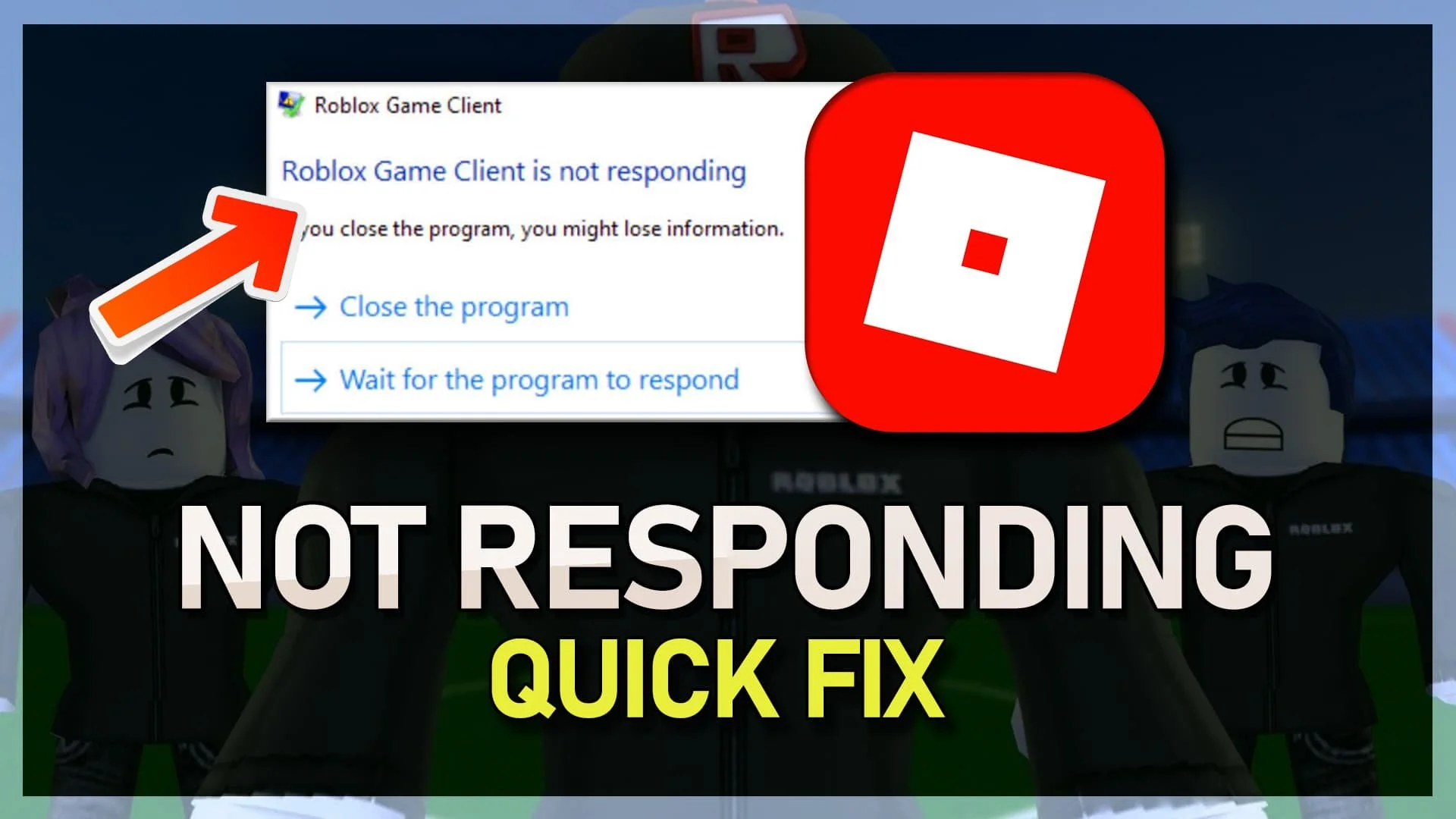

Fix Roblox This Experience Is Not Currently Available Full Guide . Roblox Gift Cards Removed From Microsoft Rewards 2026 Roblox Error 277 Thumbnail 1024x701 . Is Roblox Down Right Now Issues Roblox Not. Roblox Not Working Right How To Fix Common Issues How To Fix Roblox Client Is Not Responding Tutorial . What Is The Roblox Assessment Experience On Reddit Oar2
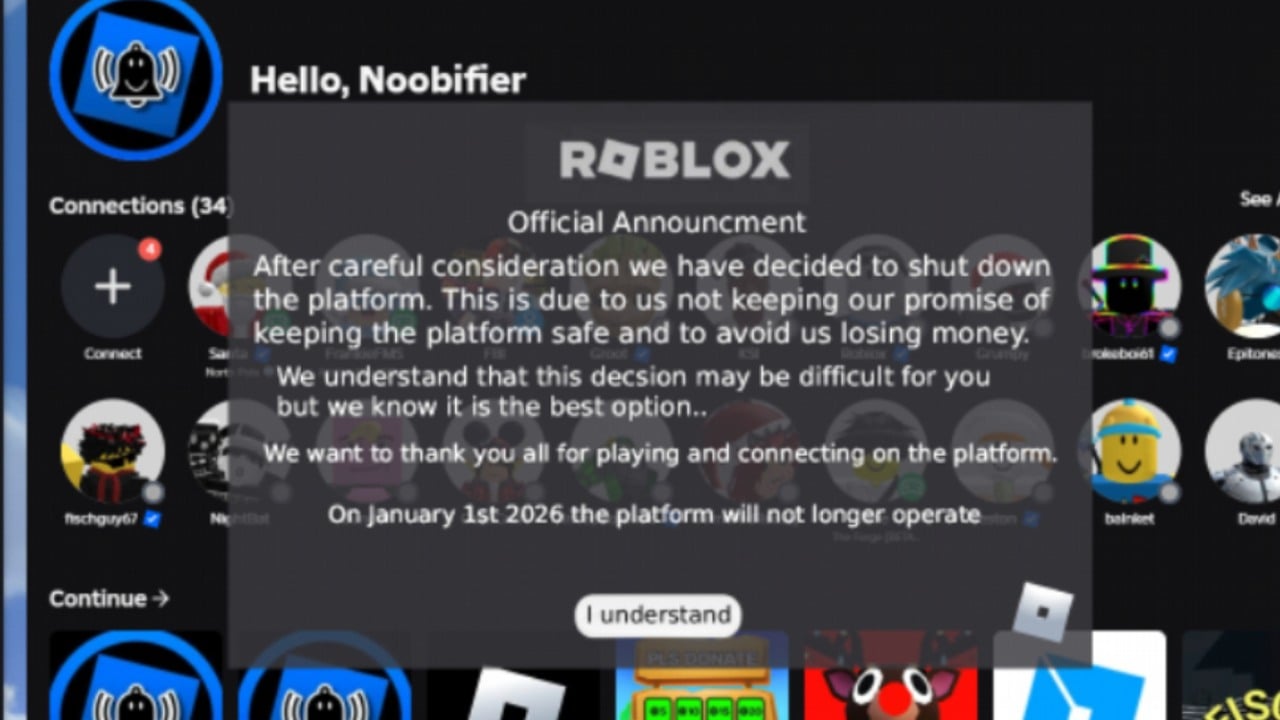
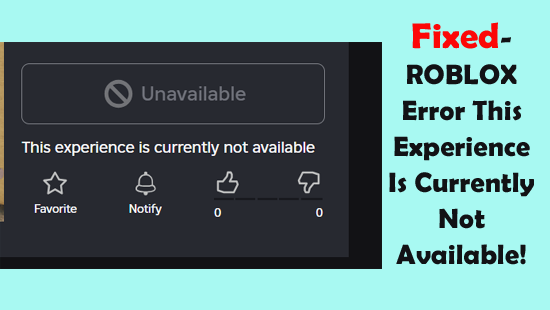


Is Roblox Shutting Down On January 1 The Rumor Is Back Again But Let 503671649 . Gears Of War 6 Release Date Trailer Rumors 2025 SOLVED Why Isnt Roblox Working . Fixed ROBLOX Error This Experience Is Currently Not Available Fixed ROBLOX Error This Experience Is Currently Not Available . How To Fix Roblox Studio Not Opening 2025 YouTube . Is Roblox Shutting Down What Players Need To Know Gamer Org Is Roblox Shutting Down What Players Need To Know 768x403


How To Message On Roblox 2026 A Quick Guide . Why Is Roblox Not Connecting To The Internet Dibujos Cute Para Imprimir . 2026 Parental Guide For Roblox Usage UnicMinds 2026 Parental Guide For Roblox Usage UnicMinds 1020x1024 . Roblox Report Issues Your Guide To Staying Safe And Having Fun Is Roblox Shutting Down In 2025 . Roblox Blocked Lets Get You Back In The Game Why Roblox Wont Open 1536x1024



What Is Broack Roblox And Why Is It Trending In 2026 . How To Publish A Game On Roblox In 2026 Roblox YouTube . Need Help With My Keyboard Not Working For Roblox R RobloxHelp 1 Year Ban For Or Disputed Charges With A Visa V0 . Roblox Blocked Lets Get You Back In The Game Why Is Roblox Not Working 1400x787 . Roblox In 2026 Play On Roblox NoFilter


Roblox Player Counter Why Is Roblox Not Working 1024x576 . Is Roblox Down Right Now Issues Why Is Roblox Not Working . Why Is Roblox Not Working Why Is Roblox Not Working . Why Is Microsoft Roblox Not Working Solutions For 2026 Roblox Mic Not Working . Is Roblox Down Right Now Issues Roblox Error Code 112

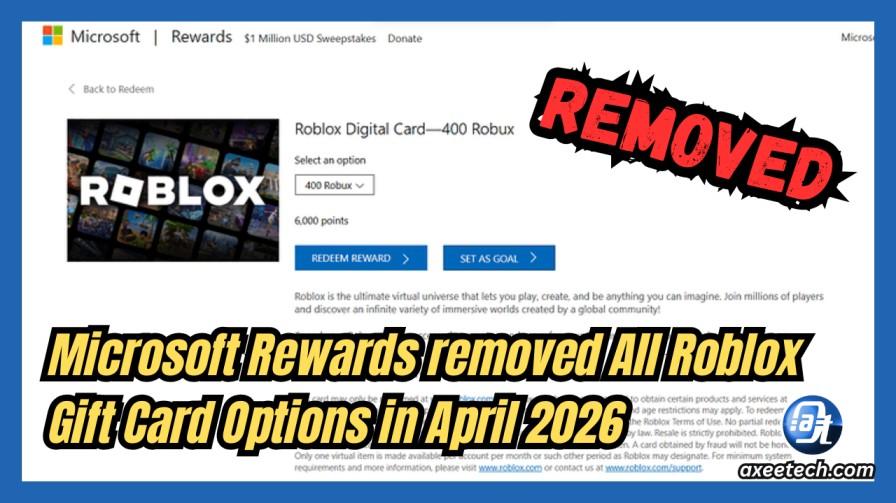
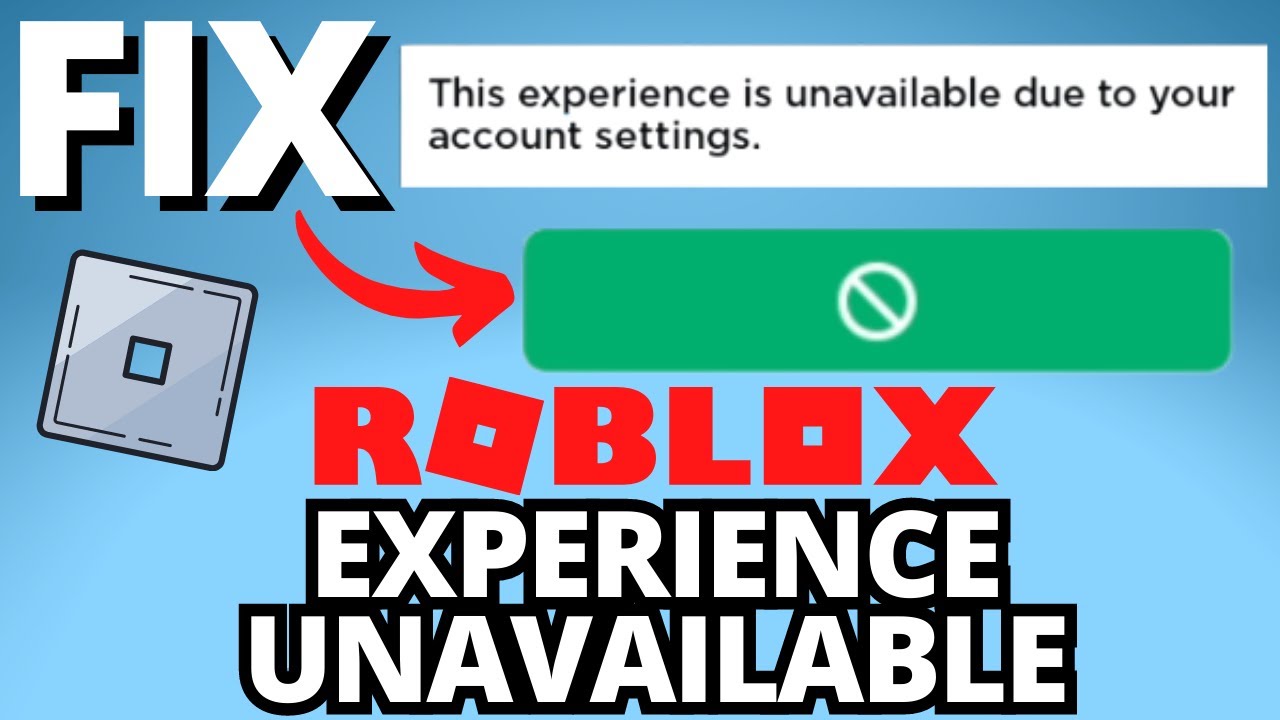
Roblox Chat Update 2026 Explained Mandatory Age New Roblox Chat Update 2026. Microsoft Rewards Removed All Roblox Gift Card Options In April 2026 Microsoft Rewards Roblox Gift Card Not Available . Roblox Shutdown Rumors 2025 Debunked Not Closing. Roblox Can T Play Game Due To Account Settings C Ch S A L I Nhanh Ch Ng . What Will Roblox Look Like In 2026 GEEIQ